| ⚡ Core Tab Protection |
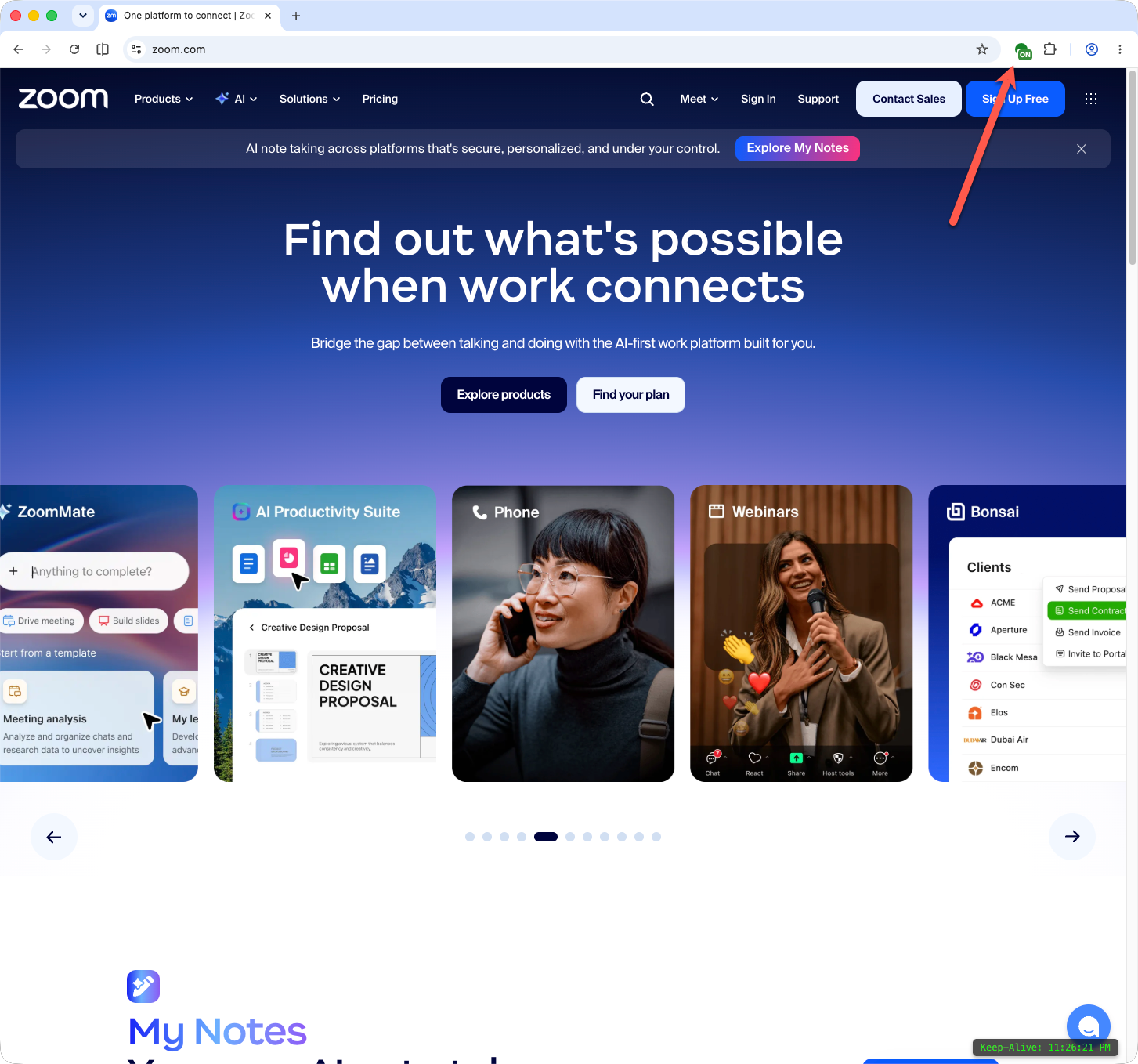
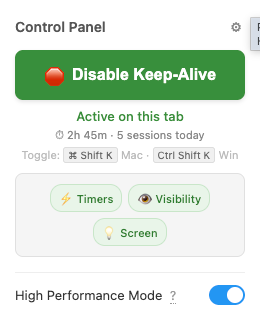
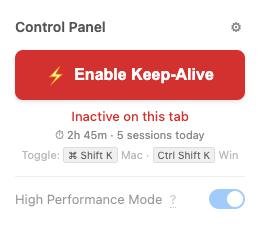
| Per-tab Keep-Alive toggle (independent per tab) |
✓ |
✓ |
✓ |
| High Performance Mode (counteracts timer throttling & simulates visibility signals) |
✓ |
✓ |
✓ |
| Keyboard shortcut toggle (⌘ Shift K / Ctrl Shift K) |
✓ |
✓ |
✓ |
| Screen Wake Lock API (prevents display dimming) |
✓ |
✓ |
✓ |
| Session statistics (daily protected time & sessions) |
✓ |
✓ |
✓ |
| On-screen clock status indicator |
✓ |
✓ |
✓ |
| Available on Google Chrome & Mozilla Firefox |
✓ |
✓ |
✓ |
| ⚙️ Advanced Automation & Controls |
| Site-specific High Performance overrides (per-hostname) |
– |
✓ |
✓ |
| Configurable site activation delays (5s, 10s, 15s, 30s) |
– |
✓ |
✓ |
| Auto-enable on target URL patterns (wildcards) |
– |
✓ |
✓ |
| Excluded / disabled domain blacklist |
– |
✓ |
✓ |
| Per-site JSON configurations & automated periodic clicks |
– |
✓ |
✓ |
| On-screen clock corner picker (top/bottom, left/right) |
– |
✓ |
✓ |
| Custom timer delays (down to 100ms) & heartbeat tuning |
– |
✓ |
✓ |
| 🛡️ Work Loss Recovery & Safety |
| Pro Work Loss Recovery (24h local draft protection) |
– |
✓ |
✓ |
| In-page one-click draft restore banner upon timeout/reload |
– |
✓ |
✓ |
| Automatic exclusion of sensitive fields & credentials |
N/A |
✓ (Strict) |
✓ (Strict) |
| 📜 Licensing Terms & Future Updates |
| Current Pricing Terms |
Free forever |
$4.99 one-time (Lifetime license) |
Planned $2.99/month (Not yet available) |
| Included features in current entitlement |
All core keep-alive features |
All current Free & Pro capabilities included |
All current Free & Pro capabilities included |
| Eligible new feature releases while subscribed |
Core maintenance only |
Lifetime entitlement preserved under original license terms |
Included while subscription is active |
| Ordinary feature releases published after expiration |
N/A |
Lifetime entitlement preserved under original license terms |
Previously acquired functionality remains available. Ordinary feature releases published after expiration are not automatically included. |
| Critical security updates |
✓ Available to affected users separately from ordinary new feature releases |
✓ Available to affected users separately from ordinary new feature releases |
✓ Available to affected users separately from ordinary new feature releases |